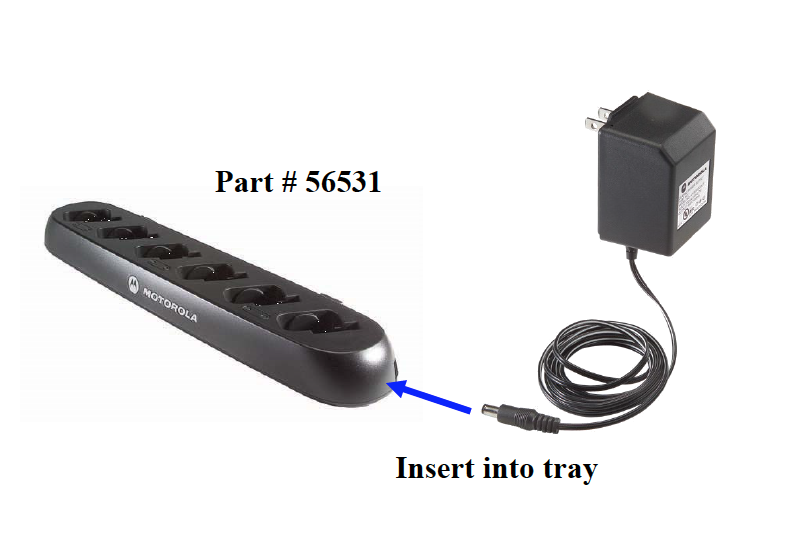
- Remove multi-unit charging trays (part #56531) from the box. Plug the power cord into AC Outlet and the charging tray.
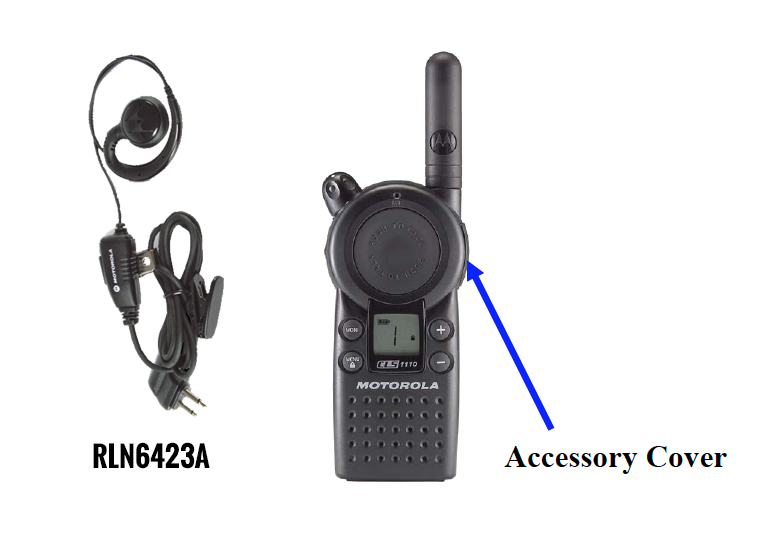
- Remove each earpiece (part #56517) from the clamshell.
- Remove each radio from the bubble wrap and open the accessory cover.
- Program each radio to Frequency 5 and code 39. (see: Programming Instructions)
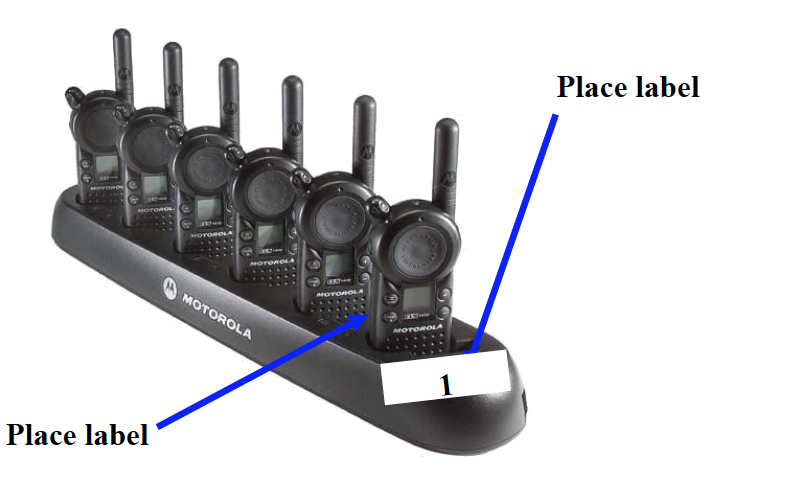
- Make 2 sets of labels (1 - 8). Place on each radio and one in front of each slot on the multi-unit charging tray.
- Insert earpiece using the palm of your hand; push the plug IN until it snaps in place.
- Gently wrap cord around the radio and hang the earpiece on the antenna.
- Place the radio with the holster on into a charging slot. Note: make sure radio is turned off while charging.
- LED will turn green when charging is complete.
- Make copies of the sign in/sign out sheet and store original in a safe place.
Comments