(first, unplug any accessories, then follow the instructions below)
To maintain compliance with FCC licensing your store should only use Code 39 and frequencies 5, 6, 7 and 8.
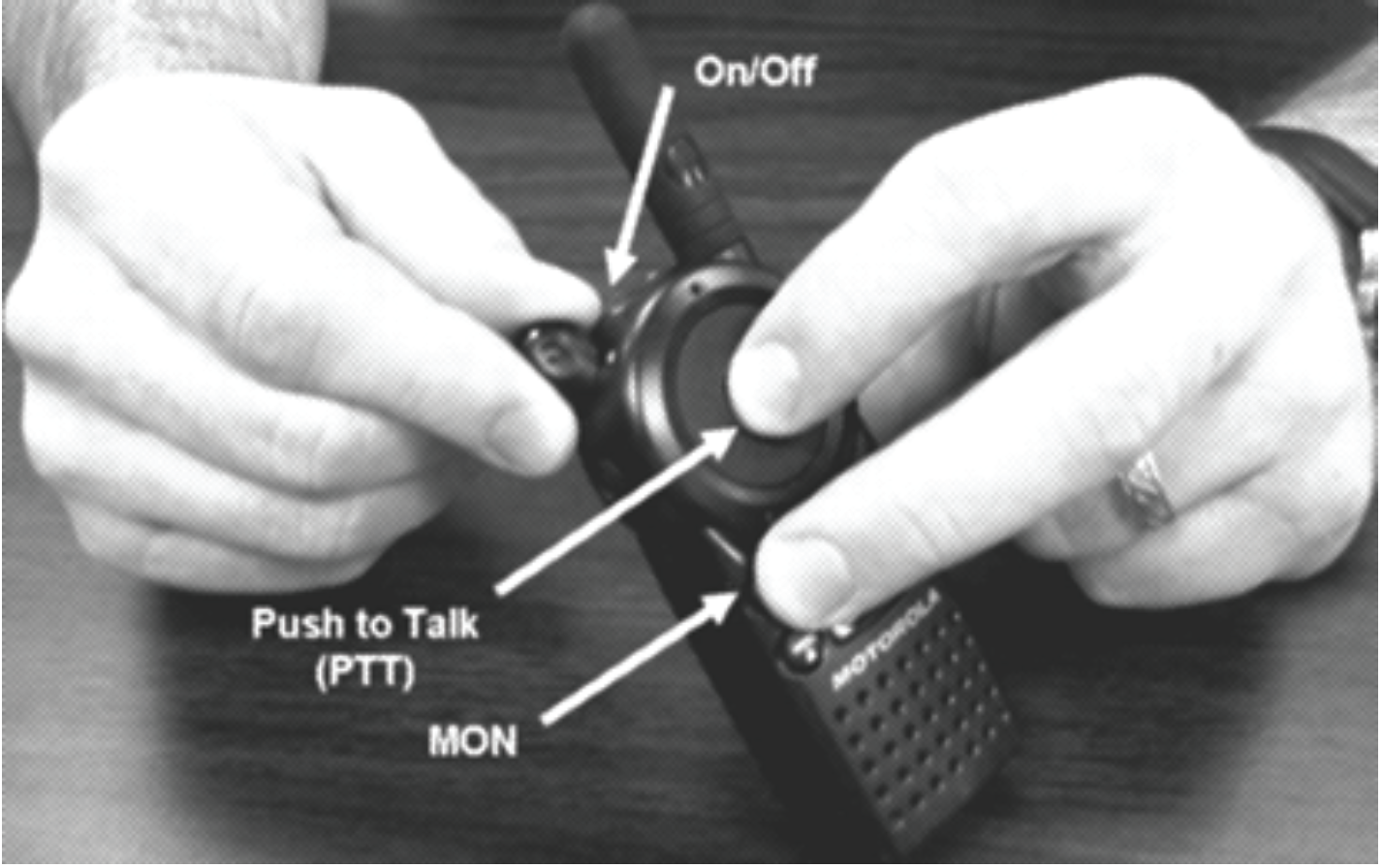
- Hold Push-to-talk (PTT) & “mon” buttons down while turning on the radio until you hear a beep. PROG should be on screen. Note: PTT button is the large button the front of the radio.
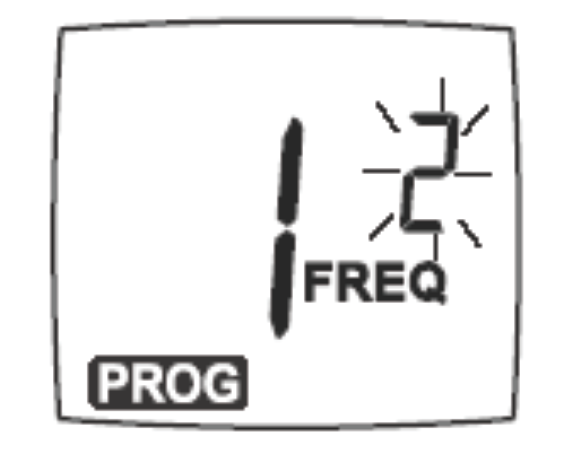
- Press the “menu” button one time and press the “+” or “-“buttons to change the frequency.
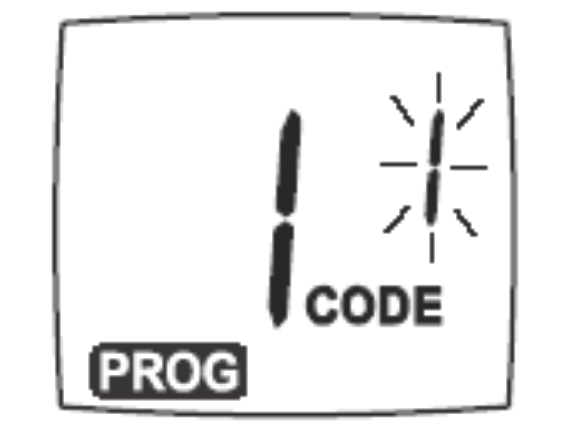
- Press the “menu” button one time and press the “+” or “-” buttons to change the code.
- Press the PTT button to exit programming mode.
- Repeat for all radios or follow the steps below to use the cloning feature on the multi- unit charging tray.
Comments